Krea 3 Generates 2K Images for $0.06: Speed, Cost, and Where It Fits in a Creative Workflow
Krea 3 edits images at native 2K in under 8 seconds for $0.06 each, per Krea. How its speed and price compare, where it fits in creative workflows, and how it differs from Black Forest Labs' 8GB FLUX.3 Image Klein.
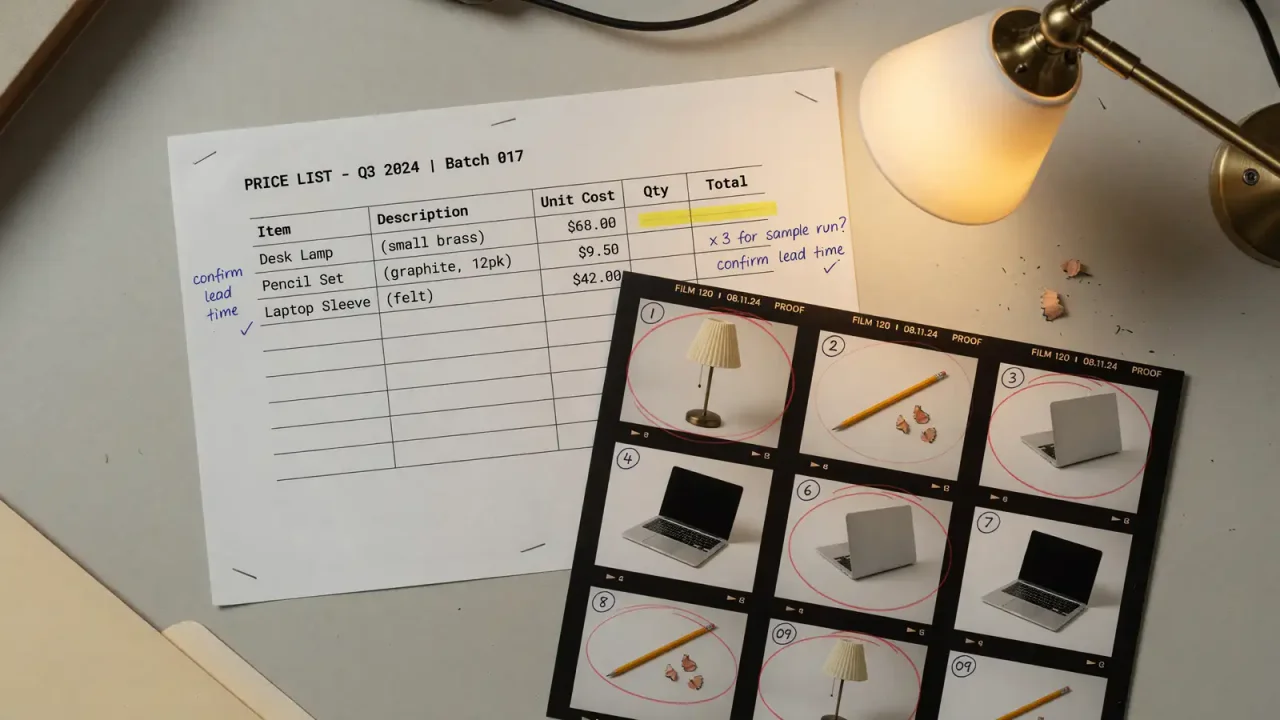
Krea has released Krea 3, an in-house image editing model that it says completes most edits in under 8 seconds at native 2K resolution for $0.06 per image. The pitch is aimed at teams that already have images (product shots, interiors, posters, sketches) and want to change them quickly without the result drifting away from the original. In the same week, Black Forest Labs released FLUX.3 Image Klein, an open-weight generation model that runs on 8GB GPUs. The two launches are easy to confuse, but they solve different problems.
This article compares the published speed and price figures, explains what Krea 3 is designed to do, and outlines where each option fits in a creative workflow.
What Krea announced
Krea’s launch post (October 15) describes Krea 3 as an editing model built for speed at high resolution. Co-founder and CEO Víctor Perez argues that editing models are already used in e-commerce, film, and advertising, and that speed was the remaining obstacle. The model supports up to six reference images per edit on Krea’s own platform.
Krea’s comparison table, based on median request-to-finished times for edit jobs on Krea between September 24 and October 1, 2026 (queue included, list prices without image references):
| Model | Time per edit | Price per image |
|---|---|---|
| Krea 3 (2K) | Under 8 seconds | $0.06 |
| Nano Banana Pro | 33 seconds | $0.135 |
| GPT Image 2 | 90 seconds | $0.22 |
Krea lists 1K output at $0.03. At list prices, the company calculates that 100,000 edits per month would cost $6,000 with Krea 3, compared with $13,500 for Nano Banana Pro and $22,000 for GPT Image 2.
Independent figures differ, so cite them separately
Creative Boom’s coverage (October 19) reported different numbers: a high-quality 2K edit in under six seconds for 3 cents through the Krea API, compared with Nano Banana Pro at 30 seconds and 15 cents, and GPT Image 2.5 at 80 seconds and 22 cents.
The two sets of figures use different conditions and even a different OpenAI model version (GPT Image 2 versus 2.5). They should not be averaged together. For budgeting, the safer choice is Krea’s published list price with its footnote; Creative Boom’s figures are useful as a second data point on relative speed.
What Krea 3 is designed for
Krea emphasizes that the model edits what users ask it to change and leaves the rest alone. Dominique Yahyavi, co-founder and CEO of Pixelcut, is quoted in Krea’s post saying early checkpoints tested with Pixelcut users produced lighting that looked like a studio while keeping the product unchanged, which matters for small businesses that cannot afford a studio shoot for every SKU.
Creative Boom’s examples show the same edit-first focus:
- Placing furniture into an empty room without changing walls, windows, or sunlight
- Translating a poster into German in a bus-shelter scene
- Reskinning a billboard
- Turning a pencil sketch of a mid-century house into a golden-hour photograph
- Turning a marker sketch of a lamp into a photorealistic render
The common thread is changing an existing image rather than generating one from nothing. Teams without source images are better served by a text-to-image model.
Limits and roadmap
Krea says the model is not yet real time. Its fastest setup takes about 4–5 seconds, and the company wants to push that lower. It describes training at 2K as one of the biggest gains in this cycle and lists future work on cheaper high-resolution architectures and on editing by circling a region or writing on the image rather than prompting. These are roadmap goals, not current guarantees.
Availability: platform versus API
Krea 3 is live on krea.ai, which Krea says serves 30 million users, and is distributed through fal, Hedra, Together AI, Nous Research, OpenRouter, and Replicate.
On fal’s Krea 3 page, access is described as early access by request form, with pay-as-you-go pricing shared with early-access customers rather than published. The fal edit endpoint (fal-ai/krea-3) accepts up to four reference images, passed as image_urls and referred to in order, compared with six on Krea’s own platform. fal advises giving each reference one job (for example, the person from one image and the jacket from another), which is practical guidance for anyone building a pipeline. fal states that commercial use of images generated through its API is permitted, subject to its terms.
| Channel | Pricing | References | Access |
|---|---|---|---|
| krea.ai | $0.06 (2K), $0.03 (1K) list | Up to 6 | Live |
| fal API | Shared with early-access customers | Up to 4 | Request form |
Teams planning API integration should not assume Krea’s list price applies on fal until they receive pricing.
FLUX.3 Image Klein: the local alternative
Startup Fortune reported on October 16 that Black Forest Labs released FLUX.3 Image Klein on October 15 with open weights. Key details:
- Hardware: runs with 8GB of VRAM, putting it within reach of mid-range gaming GPUs
- Size: 5.6 billion parameters
- License: FLUX Kommunity License, free for commercial use by individuals and companies under $5 million in annual revenue; larger companies need a separate agreement or the API
- API price: starting at $0.009 per 1K image, as reported by VentureBeat and cited by Startup Fortune
The article also traces the lineage: Black Forest Labs partnered with Krea in July 2025 on FLUX.1 Krea [dev], an open model aimed at reducing the waxy “AI look,” and FLUX.2 Klein in January needed 13GB and ran in under half a second on RTX 5080 or 5090 cards. That earlier partnership does not mean Klein and Krea 3 share weights.
Klein is primarily a generation model, while Krea 3’s launch focuses on editing, so their prices are not directly comparable.
Choosing between them
| Constraint | Better fit |
|---|---|
| Editing existing product or interior photos quickly | Krea 3 |
| Images cannot leave your own infrastructure | Klein (local, open weights) |
| Company revenue under $5 million and wants free commercial local use | Klein under the Kommunity License |
| Need a published unit price this week | Krea 3 on krea.ai |
| Already using OpenRouter or Replicate | Krea 3 through those partners |
Budgeting realistically
Krea’s $6,000-per-100,000-edits figure is simple multiplication at list price. A smaller catalog, say 2,000 product shots per month, would cost about $120 at the 2K list price before references and retries. Retries are the hidden cost: if several attempts are needed per image, the effective price rises quickly.
Quality control matters too. A fast edit that keeps the label but distorts a nutrition panel or legal text is not usable, so someone familiar with the product still needs to review results. For catalog work, it is worth testing Krea 3 on a sample of your own SKUs and measuring how many outputs pass review on the first try.
Related coverage
We have covered other image tools in Magnific One’s brand-kit pricing, Adobe Firefly’s model marketplace, and edit consistency in ChatGPT Images 2.5.
Bottom line
Krea 3 offers fast, low-cost 2K editing for teams that already have images and want controlled changes. Its published $0.06 price applies on krea.ai; API pricing through fal is still by request. FLUX.3 Image Klein is the alternative for teams that need local, open-weight generation on modest hardware. In both cases, the real cost depends on retries and review, so a small test on your own images is the best basis for a decision.
Sources
- Krea, “Introducing Krea 3” (October 15): https://www.krea.ai/blog/introducing-krea-3
- Creative Boom, “Meet Krea 3” (October 19): https://www.creativeboom.com/tools/meet-krea-3-the-fast-affordable-tool-built-for-editing-not-replacing-your-work
- fal, Krea 3 model page: https://fal.ai/krea-3
- Startup Fortune, “Black Forest Labs shrinks FLUX.3 to run on an 8GB gaming GPU” (October 16): https://startupfortune.com/black-forest-labs-shrinks-flux-3-to-run-on-an-8gb-gaming-gpu