TechCrunch wrote the device line on September 29. OpenAI gave Codex reusable cloud development environments you can reach from a computer, a phone, or a browser. The company’s own DevDay 2026 recap is more useful than the blog roundups, because it lists which plan gets which object. The Decoder added the price of speed the same day: Ultrafast is about six times the standard token rate, and Pro 500 is $500 a month.
We already wrote that Cursor parked cloud agents in Cloudflare sandboxes and that Claude Code 2.1.179 closed a hole Copilot did not. This week is OpenAI’s version of the same split. The agent is no longer assumed to live in the laptop you shut at 6.
The environment is the product
The recap’s Codex-in-the-cloud paragraph is short. Run it on a computer, remotely from a phone, or in the cloud from any device. Reusable development environments are there so tasks start quickly and so a team can share a setup with approved settings and permissions. Availability: Plus, Pro, Business, Healthcare, Education, Enterprise. Not the free tier, if you were hoping.
Reusable is the word to test, not “cloud.” A fresh VM per task is a demo. A reused environment is a disk image someone has to patch. Approved settings and permissions are the enterprise sentence. If your company already fought SHA pinning after plugin installs that did not stay pinned, ask what image Codex boots and who is allowed to change it. A shared setup that silently upgrades the toolchain is how last month’s incident repeats with nicer copy.
SiliconANGLE framed the same feature as environments that follow you across devices. Follow is marketing. The practical check is whether the phone session sees the same worktree the laptop started, and whether closing the laptop actually leaves the job running. TechCrunch’s lede says the point is usefulness beyond a developer’s laptop. Believe that only after you start a task, lock the machine, and watch it from the phone.
Do not migrate the whole team on a recap. Pick one repo that already has a known-good Dockerfile or devcontainer. If Codex cannot reuse that, you do not have a shared environment. You have a second computer in Virginia.
The CLI grew a dispatcher
The refreshed Codex CLI is on all plans. Voice to start and steer tasks. A new /agents view to delegate work and track multiple tasks. Everyday fixes: edit prompts, resume sessions, worktrees, a cleaner terminal UI for long sessions.
Voice is optional. /agents is the actual product change. Multiple tasks in one terminal is how these tools stop being autocomplete and start being a queue. A queue needs owners. If three agents edit the same worktree, you get a merge conflict with extra steps. Use the worktree support they bothered to mention. One task, one tree, one PR.
Resume sessions matters more than voice for anyone who already lost a context window at 5 p.m. If resume depends on the cloud environment staying warm, that is another reason the reusable disk is the product. If resume is just local transcript, you can get that from a log file. Try both. Write down which one actually continues the job.
We already treated parallel agents as a hole that needed a version pin. The CLI recap does not mention pinning. That is not a reason to unpin. It is a reason to keep your install notes in the same doc as the new /agents cheat sheet.
Security Cloud is a scanner with a closer
Codex Security Cloud scans entire GitHub repositories on demand or on a schedule, then keeps watching new commits. Codex investigates findings, removes duplicates, and prepares fixes in the cloud with the laptop closed. It includes access to models offered through Daybreak Blue without a separate Daybreak application. Desktop and web. Pro, Business, Enterprise, Edu. Not Plus, in the recap’s list.
That is a different customer than the phone session. A scheduled repo scan that opens fixes is a security product wearing a coding-agent badge. Treat the output like any other scanner: duplicate suppression is the claim you verify first. If the same prototype pollution shows up 40 times, a “prepares fixes” button will open 40 PRs. Ask whether the dedupe is across commits or only inside one run.
Laptop closed is the sentence OpenAI wants quoted. It is also the sentence your change-management policy has to answer. Who approves a fix that was generated while nobody was at the desk? If the answer is “the human still merges,” you have a draft PR mill. That can still be useful. It is not hands-off production.
GitHub is named. If your code is on GitLab only, look at the code-review paragraph instead of assuming the scanner follows you.
Review moved into the desktop app
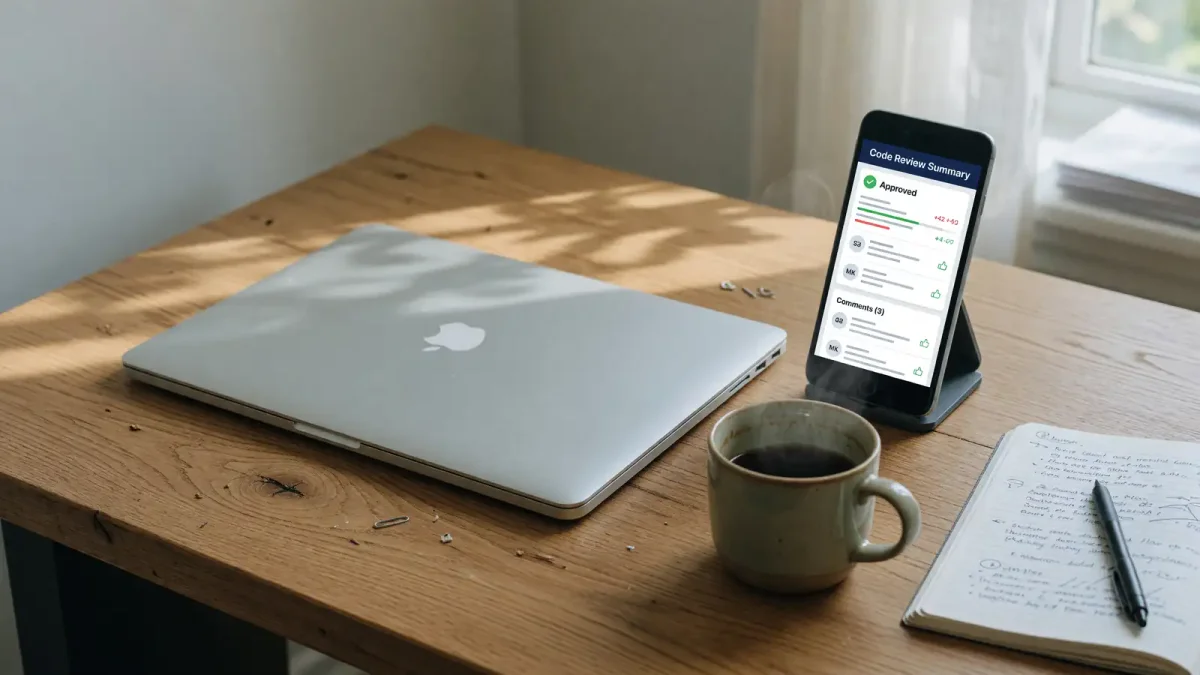
The new code review experience lives in the ChatGPT desktop app. Summaries, diffs, questions to Codex about potential issues, then feedback on GitHub pull requests or GitLab merge requests. Automatic reviews can take a first pass in the cloud while you are away. All plans.
GitLab in that sentence is the rare inclusion. Most of this DevDay stack is GitHub-shaped. If your team is on GitLab, this is the feature to trial before Security Cloud. Read a summary, open the diff, ask one question you already know the answer to. If Codex invents a file, you have your eval. If it points at the actual hunk, you can let it draft the first pass.
Automatic first pass while you are away is the same laptop-closed idea as the scanner. Same rule. A first pass is a comment, not a merge. Keep the merge button on a person.
Do not turn on automatic review on a repo that still has secrets in fixtures. The model does not owe you discretion.
Ultrafast is a price, not a model card
The Decoder’s non-Codex extras are how you know this was a platform keynote. Computer Use on the Agents API, so agents can operate software. A Decisions API built on GPT-6 Luna for fast single decisions and classification. Ultrafast speeds up token generation and costs about six times the standard API rate. GPT-6 Astra on Enterprise, and on Pro 500 at $500 a month.
None of that is required to try a reusable Codex environment on Plus. Do not let the $500 plan become the story you tell the budget committee if the actual ask is “can the phone see the job.” Put Ultrafast on a separate line. Six times the token rate is a number you can model against your current Codex bill. If you cannot find that bill, you are not ready for Ultrafast.
Computer Use is the feature that will get the next incident writeup. Agents that click around a desktop are a different threat model than agents that write a patch. Keep it off the production laptop.
What DevDay did not retire
TechCrunch listed the rest of the Codex bundle in one sentence: refreshed CLI, a new code review experience, tools to harden infrastructure, other API enhancements. That is a keynote packing list. The only items with enough product shape to trial this week are the reusable environment, /agents, Security Cloud, and the desktop review pane. Infrastructure hardening without a named control is a blog heading. Leave it off the sprint board until someone can point at a setting.
Daybreak Blue showing up inside Security Cloud, without a separate Daybreak app, is a licensing footnote. If your company already blocked Daybreak, ask whether this scan path reopens it. If nobody in security has heard of Daybreak, write the name down anyway. Surprise model access is how an exception review starts after the scanner is already commenting on main.
The Agents API Computer Use addition belongs in a different meeting from the Plus-tier cloud desk. One is an API that clicks software. The other is “can I see the job on my phone.” Mixing them is how a coding-agent trial becomes an RPA trial with no owner.
Close the laptop on purpose
The comparison that matters internally is last month’s Cursor cloud sandbox, not a generic “AI coding is accelerating” paragraph. Cursor had a place the agent runs. OpenAI now says Codex does too, with a phone client and a scanner on the side. The eval is the same. Same repo. Same failing test. Start the task. Close the lid. See whether the PR that comes back is the change you would have typed.
Time the start. Reusable environments are sold as faster boots because the setup is already approved. If the first run still spends ten minutes installing your linters, you do not have a reused image. You have a cold VM and a press release. Save the log. Compare it to a local codex run on the same branch. The cloud desk only wins if the wall clock is better or the laptop-closed constraint is real.
Permissions on that shared setup need a human owner. Approved settings can mean “the agent may not push to main” or they can mean “npm install is allowed, curl | sh is not.” Write the list. If OpenAI’s UI does not expose it, you do not have the enterprise sentence yet. You have a demo.
If the environment cannot install your private package index, stop. If Security Cloud cannot see a private GitHub org, stop. If the desktop review summarizes the wrong PR, stop. The recap is a menu. Order one item. A trial that tries four features in one afternoon will produce a slide, not a verdict.
Voice in the CLI is on all plans and is the feature most likely to get screenshotted. It does not change the permission model. Do not enable it in an open-plan office as your first experiment. Type the prompt until the cloud desk actually resumes after a lid close.
Plus gets the cloud desk and the CLI and the review pane. Pro and above get the scanner. Enterprise and a $500 SKU get the fast tokens. Write those three sentences on the internal doc before anyone forwards the keynote. Healthcare and Education appear on the cloud-environment availability line in the recap; they do not appear on Ultrafast. Do not tell a hospital IT team they need Pro 500 to try a phone session. They need Plus or whatever seat they already buy, and a repo that is allowed to leave the laptop.