AI Accessibility Tools Explained: Image Description, Live Captions, Cognitive Support and Why Overlays Are Not a Fix
How AI is improving accessibility for blind, low-vision, Deaf, hard-of-hearing and neurodivergent people: Be My AI, Seeing AI, Live Transcribe, Live Speech, Personal Voice and Goblin Tools, the limits and biases to watch, the FTC's accessiBe case and how organisations should combine AI with accessible design.
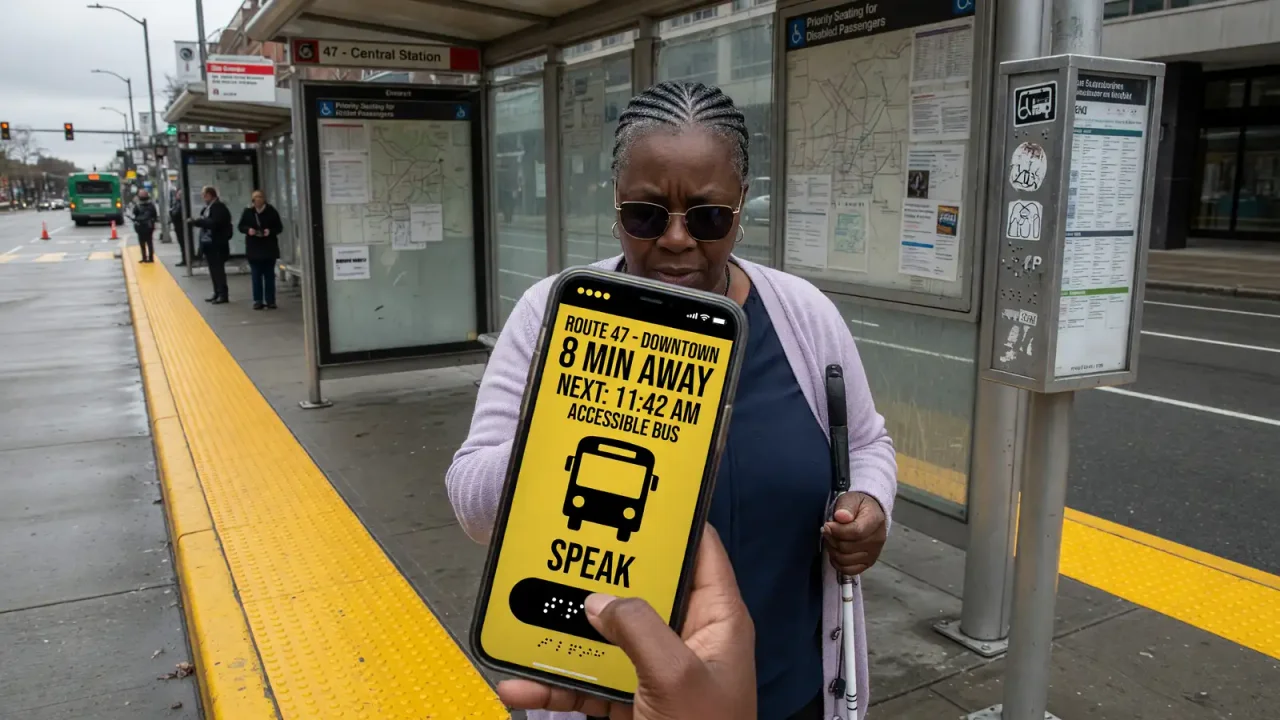
Assistive technology has often been an afterthought, added late and underfunded. AI is changing that in two ways. It has made general-purpose tools, such as image description and live captioning, far more capable and widely available, and it has created new kinds of support for people with cognitive and learning disabilities. It is not a substitute for accessible design, however, and claims that AI can make any website compliant automatically have already drawn regulatory action. This guide covers what works, what does not and how organisations should approach it.
The scale of the need
The World Health Organization estimates that about 1.3 billion people, roughly one in six worldwide, experience significant disability (WHO). It also estimates that at least 2.2 billion people have a near or distance vision impairment, of whom at least 1 billion have an impairment that could have been prevented or has not yet been addressed (WHO). Many disabilities are invisible, and needs change with age, so accessibility affects far more people than is often assumed.
Vision: describing the world
Be My Eyes began as a service connecting blind and low-vision users with sighted volunteers over video. In 2023 it added Be My AI, which uses OpenAI’s GPT-4 vision model to describe photos, read documents and answer follow-up questions (Be My Eyes). A user can photograph a menu, a pantry shelf or a letter and ask specific questions about it, with the option of calling a human volunteer when the AI is unsure.
Microsoft’s Seeing AI is a free app “designed with and for the blind and low vision community” that reads text, describes photos and scenes and identifies products (Seeing AI).
Apple’s Magnifier includes detection features such as Point and Speak, which reads aloud text on objects, such as the labels on appliance buttons, as the user points at them (Apple Support).
These tools are powerful but fallible. Image descriptions can omit important details or describe things that are not there, so users learn to treat them as helpful but not authoritative, especially for medication, money or safety-critical information.
Hearing: captions and sound awareness
Automatic speech recognition has made live captions common on phones, video calls and streaming platforms. Google’s Live Transcribe provides real-time transcription on Android, with downloadable languages for offline use on supported devices, and pairs with sound notifications that alert users to sounds such as alarms or a doorbell (Google Support).
Accuracy depends heavily on conditions. Clear speech in a quiet room is transcribed well, while background noise, overlapping speakers, technical vocabulary, strong accents and atypical speech, such as speech affected by a disability, still produce more errors. For important settings such as medical appointments, legal proceedings or classrooms, professional captioners and sign language interpreters remain the standard.
Sign language is a harder problem. Sign languages are full languages with their own grammar, expressed through handshape, movement, facial expression and use of space. Research on sign recognition and translation has advanced, but reliable two-way translation between sign and spoken language is not yet available, and Deaf communities have warned against products that overstate what they can do.
Speech: giving people a voice
Apple’s Live Speech lets people type what they want to say and have it spoken aloud in calls and conversations, and Personal Voice lets people at risk of losing their ability to speak, for example because of ALS, create a synthesised voice that sounds like them. Similar voice-banking services exist on other platforms. These features show how AI speech synthesis, more often discussed in the context of deepfakes, can preserve identity and independence.
Cognitive and learning support
Language models are useful for people with ADHD, autism, dyslexia, brain injuries and other conditions that affect executive function or reading. Goblin Tools, for example, offers a set of small AI tools that break tasks into steps, estimate how long things will take and judge the tone of a message. General assistants can summarise long documents, rewrite text in plain language and turn instructions into checklists.
The caveat is accuracy. Simplified text can drop important conditions or change meaning, which matters for legal, medical and financial information. Plain-language versions written or checked by people remain important for critical content.
Limits and biases
| Problem | Example | Effect |
|---|---|---|
| Language coverage | Tools work best in English and major languages | Users of other languages are underserved |
| Atypical speech | Recognition struggles with some disabilities’ speech patterns | The people who most need captions may get the worst results |
| Cost and connectivity | Many tools need a recent smartphone, data or subscriptions | Excludes lower-income users and regions |
| Hallucination | Descriptions or summaries include errors | Risky for medication, money and documents |
| Privacy | Cameras and microphones capture sensitive surroundings | Users must trust how images and audio are handled |
A caution on “AI overlays”
AI cannot automatically fix an inaccessible website. Overlay products that add a widget to a site and promise instant compliance have been widely criticised by disabled users and accessibility professionals. In January 2025, the US Federal Trade Commission announced an order requiring accessiBe to pay $1 million over claims that its AI product could make websites compliant with the Web Content Accessibility Guidelines; the order bars the company from claiming its products can make any website WCAG-compliant (summary by accessibility lawyer Lainey Feingold). The FTC approved the final order in April 2025.
What organisations should do
- Build to the standard. WCAG 2.2, published by the W3C in October 2023, is the reference for web accessibility, and many laws point to it.
- Use AI to assist, not replace. AI can draft alt text, suggest captions and flag likely issues in code, but a person should review the results.
- Test with disabled users. Automated checks catch only part of the problems; real users of screen readers, captions and other assistive technology find the rest.
- Support users’ own tools. Make content work well with screen readers, captioning and description apps, for example by using real text instead of images of text.
- Be careful with claims. Do not promise compliance or accessibility you have not verified.
Our analysis
AI has made assistive technology more capable and more widely available, especially image description, live captions, synthesised speech and cognitive support. It works best in the hands of disabled users, who choose when to trust it. It does not replace accessible design by the people who build websites and products, and the FTC’s accessiBe case shows the risk of claiming otherwise. Organisations should build to WCAG, test with real users and use AI to speed up work that a human still checks.