Acti Puts AI Agents Inside the Smartphone Keyboard: Features and Privacy Questions
A Singapore-based startup just launched an AI keyboard that doesn't just predict your next word — it takes actions across your apps. Here's how Acti works and why the keyboard might be the smartest place to put an AI agent.
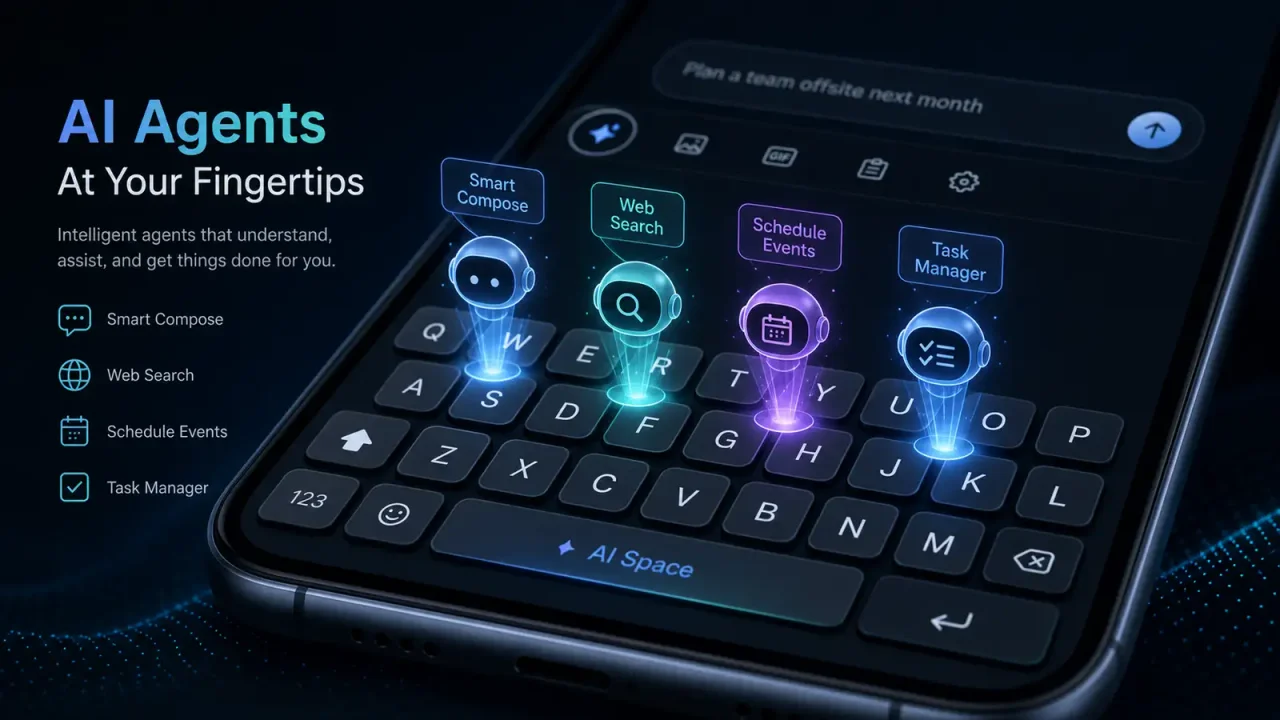
Most AI tools ask you to come to them. You open a separate app, a browser tab, or a chat window. You describe what you need, copy the result, and paste it where you actually wanted it. The friction is baked into the design.
A startup called Acti is betting that the keyboard — the one piece of software you already use across every app on your phone — is a better place to put an AI. On Tuesday, the Singapore-based company launched an agentic keyboard for iOS and Android that doesn’t just autocomplete your sentences. It can draft emails, translate messages, pull information from your calendar, and execute multi-step tasks without you ever leaving the app you’re in.
How It Works
Acti replaces your default keyboard with one powered by Google’s Gemini models. Founder and CEO Young Wang said the team chose Gemini for its balance of speed, multilingual performance, and cost efficiency — all critical when you’re running AI inference on every keystroke.
The core idea is that you shouldn’t have to switch apps to get AI help. If you’re in WhatsApp and need to share a meeting link, Acti can pull it from your calendar and drop it into the conversation. If you’re writing an email in Gmail and want to draft a reply in a different tone, you tap a button on the keyboard instead of opening ChatGPT.
The most interesting feature is called Skills. Users can program a single key on the keyboard to trigger a multi-step task. One tap could translate highlighted text into another language. Another could format a message with a specific template. It’s essentially keyboard macros powered by an LLM, and it opens up a category of automation that hasn’t existed on mobile before.
Why the Keyboard?
Wang’s argument is straightforward. The keyboard is the most universal interface on a smartphone. It’s the one thing you use in messaging apps, email, social media, notes, search, and everything in between. Putting AI there means you don’t need to integrate with each app individually — the keyboard sits a layer below the apps and works across all of them.
This is the same insight that made keyboard replacements like SwiftKey and Gboard successful, but with a different end goal. Those tools focused on faster typing and better predictions. Acti is focused on replacing the need to leave the app at all. If you can ask the AI to handle a task without switching contexts, the argument goes, you’ll get more done with less friction.
The approach also sidesteps a limitation that has held back mobile AI assistants. Siri and Google Assistant can control some apps through deep integrations, but the coverage is spotty. A keyboard-level AI doesn’t need app developers to build integrations. It operates on the text you’re already typing, in whatever app happens to be open.
What This Means for Mobile AI
Acti enters a market that has been trying to figure out where AI belongs on a phone. Apple Intelligence and Google’s on-device Gemini have pushed AI into system-level features — photo editing, notification summaries, contextual suggestions. Acti is making a bet on a different layer: not the OS, not the apps, but the input method itself.
If the keyboard becomes the primary AI interface on mobile, several things shift. First, AI assistance becomes ambient rather than deliberate. You don’t “use AI” as a separate activity. It’s just part of typing, the same way autocorrect is. Second, the keyboard becomes valuable real estate — and whoever controls it controls the flow of information between apps. Third, privacy questions get more complicated. A keyboard AI sees everything you type, in every app, which is a level of access that browser extensions and standalone apps don’t have.
Acti says it processes requests using Google’s Gemini infrastructure and that user data handling follows standard cloud AI practices. But the trust bar for a keyboard is higher than for a chatbot. If users don’t feel confident that their keystrokes are private, adoption stalls.
The launch comes at a moment when AI agent interfaces are proliferating across platforms — browser-based agents, desktop assistants, coding copilots. Acti’s thesis is that the smartphone keyboard, of all things, is the interface most people already have their thumbs on. Whether that’s enough to change typing habits that have been ingrained for over a decade is the question the next few months will answer.
How keyboard apps are sandboxed
Third-party keyboards run under tight operating-system limits, which shape what an AI keyboard can do:
- iOS: Custom keyboards cannot reach the network unless the user turns on “Allow Full Access”. Apple’s developer guidance says keyboards must work without it and that open access carries privacy responsibilities (Apple Developer: Custom Keyboards).
- Android: Input methods are declared as input method services, and the system warns users when they enable a new keyboard that it can collect everything they type (Android Developers: Input method).
Risks specific to agent keyboards
A keyboard sees passwords, messages and payment details. Adding an AI agent raises three concerns:
- Data flow: which keystrokes or screen content go to a cloud model, and how long they are kept.
- Prompt injection: text the agent reads, such as a message from someone else, could contain instructions that manipulate it. OWASP ranks prompt injection as the top LLM application risk (OWASP).
- Action scope: whether the agent can send messages or make purchases without explicit confirmation.
Our take
Putting agents in the keyboard is a clever distribution trick, because the keyboard is present in every app. Whether it is worth using depends on the vendor’s privacy policy, its on-device processing options, and whether it confirms every action. Users should check those three things before granting full access.