AI Art Tools for Working Artists: Which Ones Help, Where They Fit in the Workflow, and the Consent Questions to Consider
A practical guide for illustrators, concept artists and designers: where AI tools like Firefly, Midjourney style references, ControlNet and LoRA genuinely help, where they do not, the training-data and copyright disputes, Glaze and Nightshade, Procreate's no-AI pledge, and how to set a disclosure policy.
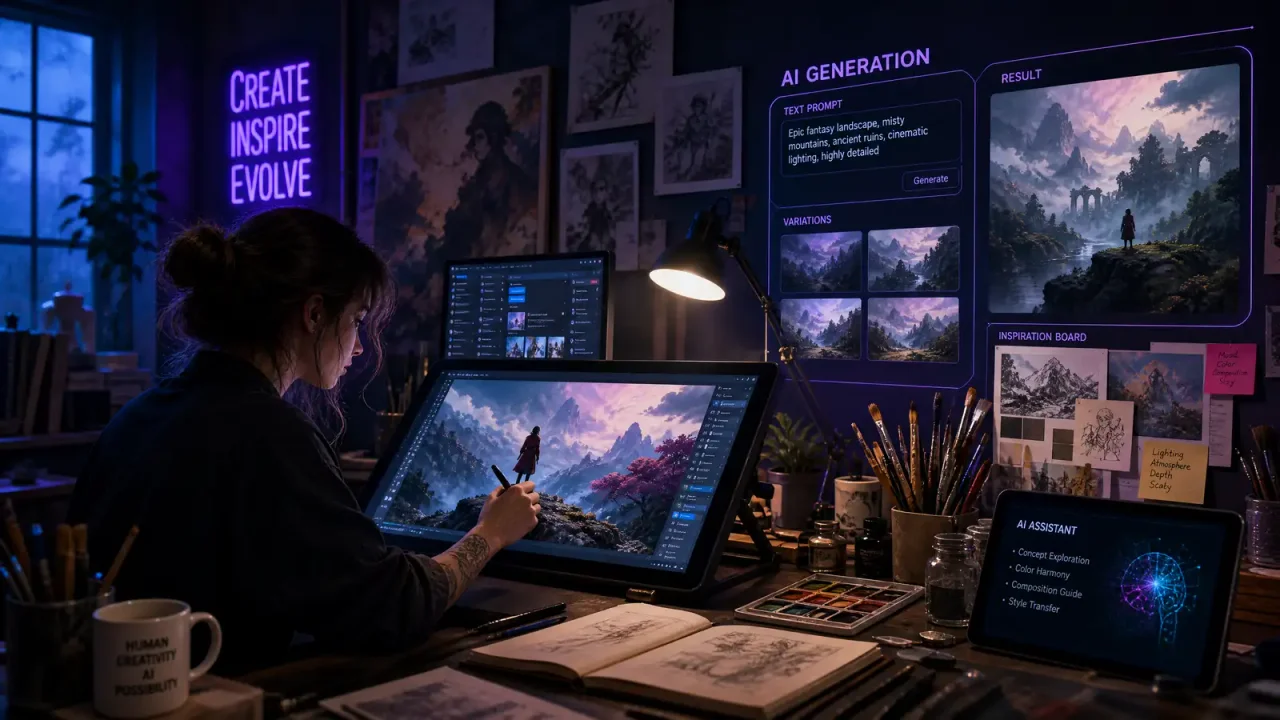
For working artists, AI tools are most useful for the parts of the job that are repetitive or exploratory: thumbnails, reference gathering, colour studies, background and texture work, clean-up and upscaling. They are least useful, and most controversial, as a replacement for the drawing, composition and decisions that make work recognisably yours. The tools that last in professional workflows are the ones that give the artist control, such as sketch-guided generation and style adapters trained on their own work, or that slot into existing software. This guide covers which tools fit which tasks, how to keep control, the unresolved consent and copyright questions and how to talk to clients about AI use.
Where AI fits in an artist’s workflow
| Stage | Useful AI applications | Keep human |
|---|---|---|
| Ideation | Thumbnails, mood boards, exploring visual directions | Choosing the direction and concept |
| Reference | Generating poses, lighting or environment references | Judging accuracy and anatomy |
| Production | Background and texture bases, colour variations, generative fill for extensions | Composition, focal elements, characters |
| Finishing | Clean-up, upscaling, resizing for formats | Final rendering and quality judgement |
| Delivery | Creating variants and mock-ups for clients | Final approval and disclosure |
Tools that give artists control
ControlNet (Zhang et al., 2023) lets diffusion models follow sketches, poses, depth maps or edge maps, making generation steerable by an artist’s own drawings rather than text alone (arXiv:2302.05543). For many illustrators, this was the point at which generation became a workflow tool rather than a slot machine.
LoRA fine-tuning, originally a technique for efficiently adapting large models (arXiv:2106.09685), lets an artist train a small adapter on their own work so generations stay consistent with their style. Training on your own portfolio avoids many of the ethical questions raised by imitating other artists.
Style references in tools such as Midjourney let users point the model at reference images to keep a consistent look across a set of images, which matters for books, games and brand work where five images must look like they belong together.
Adobe Firefly is built into Photoshop, Illustrator and other Creative Cloud apps, powering features such as Generative Fill. Adobe trained it on Adobe Stock, openly licensed and public domain content and has marketed its output as “commercially safe”; in 2024, Bloomberg reported that some training images were AI-generated images from competitors such as Midjourney, which Adobe had not clearly disclosed (Wikipedia). For designers, the main advantage is integration: generating and editing without leaving the tools they already use.
For deeper dives, see our guides to AI style transfer and creative filters and AI photo editing beyond Photoshop.
What works by discipline
Concept art. Rapid exploration is the strongest use case: trying many visual directions quickly, then painting over the most promising. Studios that use AI here typically treat outputs as disposable references rather than final assets.
Illustration. Background and texture bases can save time, while foreground characters and storytelling remain hand-drawn. Many clients now ask about AI use, so be ready to explain your process.
Graphic design. Integrated tools for extending images, removing objects and generating variations are now standard in mainstream software. Integration matters more than raw model quality.
Photo editing. Generative fill and AI retouching are everywhere; the differences between tools are speed, accuracy and control rather than capability.
Getting started without losing your voice
- Pick one bottleneck. Choose the most tedious part of your process, such as background bases or resizing, and test AI only there.
- Start from your own material. Feed sketches, colour roughs or your own past work into sketch-guided or reference-based tools instead of writing prompts from scratch.
- Paint over everything. Treat outputs as underpainting or reference; the final pass should be yours.
- Compare honestly. Track whether the work is faster and whether you still like the result. If revisions increase or the style drifts, step back.
- Check the terms. Read each tool’s licence, especially on commercial use and whether your uploads are used for training.
Artists who follow a process like this tend to find a few narrow, genuinely useful applications rather than a wholesale change in how they work, which is usually the healthiest outcome. It also makes it easier to explain your process to clients, because you can describe exactly where AI was used and where it was not.
The consent and compensation debate
The question of whether AI images are “art” has given way to more practical ones about consent, compensation and credit. Many generative models were trained on large datasets scraped from the web, including artists’ work, without permission. In Andersen v. Stability AI, artists sued Stability AI, Midjourney and others; in August 2024, a federal judge allowed key copyright claims to proceed (The Verge). The legal outcome is still unsettled.
Artists who opted out
Not every toolmaker is embracing generation. In August 2024, Procreate publicly pledged not to add generative AI to its apps (Procreate). University of Chicago researchers created Glaze, which adds subtle perturbations to images to disrupt style mimicry (arXiv:2302.04222), and Nightshade, which aims to “poison” images so that models trained on them without permission learn distorted associations (arXiv:2310.13828). Their protection is not guaranteed against future models, but they give artists some leverage.
A disclosure policy for clients
Clients increasingly ask whether AI was used, and some contracts now prohibit it or require disclosure. A short, clear statement avoids disputes, for example:
- “No generative AI used.”
- “AI used for references and thumbnails only; final art hand-painted.”
- “AI-assisted backgrounds; characters and composition original.”
Keep records of your process. They help if questions arise about originality or copyright, since the U.S. Copyright Office protects human contributions such as selection, arrangement and modification but not purely AI-generated material.
Our analysis
The workflows that last keep the artist’s hand central. AI earns its place in thumbnails, references, colour exploration, clean-up and upscaling, while composition and final rendering stay human. Tools that take direction from your own sketches or are trained on your own work raise far fewer ethical questions than prompting in another artist’s style. The legal and reputational landscape is still moving, so a clear disclosure policy protects both artist and client, and respecting colleagues who opt out is part of working responsibly in a shared profession.