FLUX.2 [max] Guide: Photorealistic Prompting, Reference Images, Grounding Search and Pricing
How to get photorealistic results from Black Forest Labs' FLUX.2 [max]: what it does differently from [pro], [flex] and [dev], how to write lighting, material and camera prompts, using reference images and grounding search, per-megapixel pricing, licensing and limits.
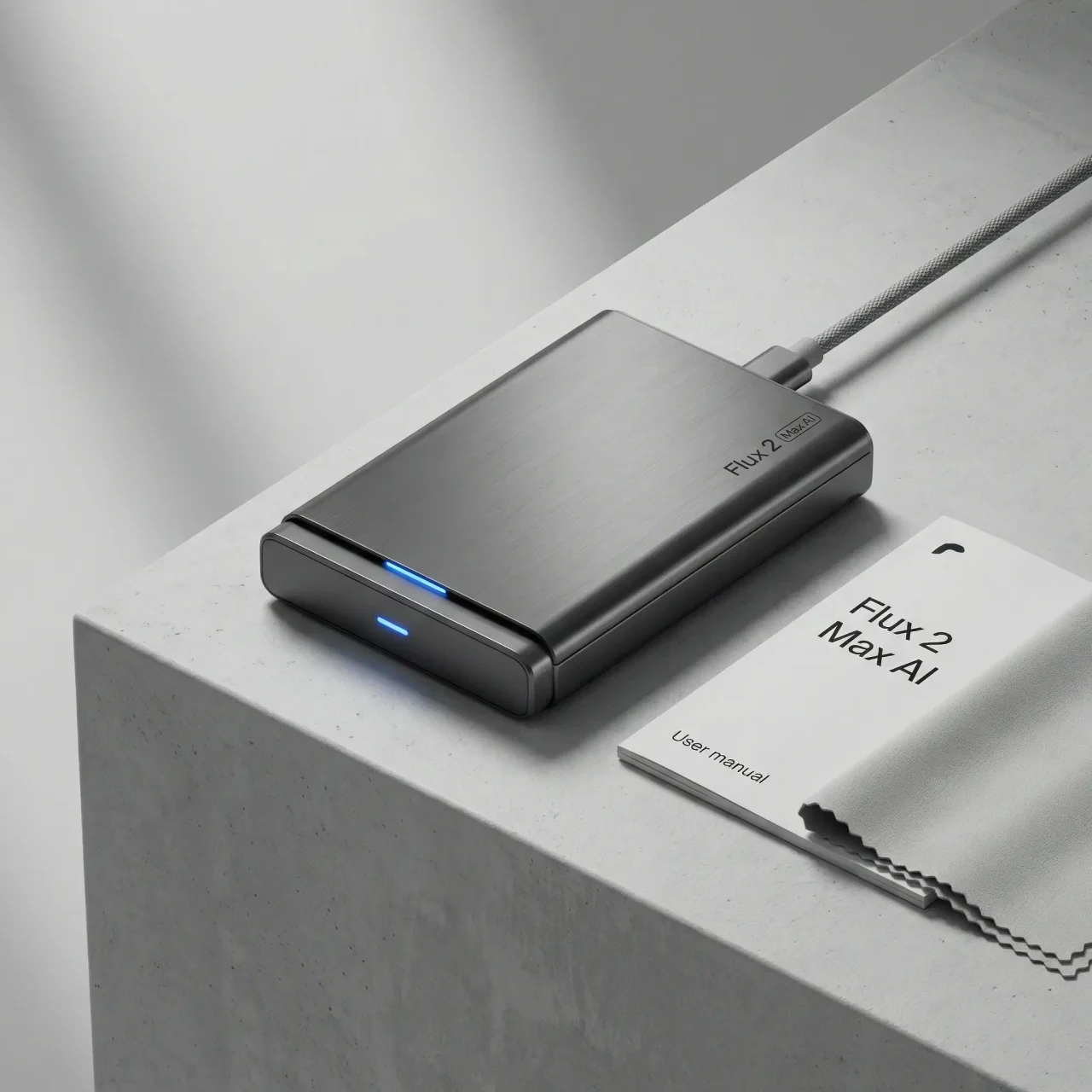
FLUX.2 [max] is the top-tier model in Black Forest Labs’ FLUX.2 family, released in December 2025. It is built for final, high-quality assets: photorealistic product shots, visualisation and editing that must stay consistent with reference images. It is available only through Black Forest Labs’ API, Playground and partner platforms, not as downloadable weights. This guide explains where [max] fits in the family, how to prompt it for photorealism, what it costs and where its limits are. It draws on Black Forest Labs’ documentation and announcement rather than our own testing.
Where [max] fits in the FLUX.2 family
| Model | Best for | Reference images | Controls | Access |
|---|---|---|---|---|
| [klein] | Real-time, high-volume generation | Up to 4 | Standard | Open weights (smaller sizes) and API |
| [pro] | Production at scale | Up to 8 (API), 10 (Playground) | Standard | API |
| [flex] | Fine control, text and detail | Up to 8 (API), 10 (Playground) | Adjustable steps and guidance | API |
| [max] | Highest quality, final assets | Up to 8 (API), 10 (Playground) | Standard, plus grounding search | API |
| [dev] | Local development and research | Recommended up to 6 | Full customisation | 32B open weights, non-commercial licence |
Source: FLUX.2 overview and Black Forest Labs’ model guide.
Two features distinguish [max]. Black Forest Labs describes it as having the highest editing consistency and widest world knowledge in the family, and it is the only variant with grounding search: when a prompt calls for it, the model searches the web to incorporate current information, such as a recent product or event, without you supplying reference images.
A practical consequence of the table: settings such as guidance scale and step count, often discussed in older Stable Diffusion guides, are only exposed on [flex] and the open [dev] model. With [max] you steer results through the prompt and references.
What FLUX.2 improved for photorealism
Black Forest Labs’ FLUX.2 announcement lists the family-wide improvements that matter for realistic work:
- Detail and photorealism: sharper textures and more stable lighting for product shots, visualisation and photography-like images.
- Multi-reference consistency: keeping a character, product or style consistent across several input images.
- Prompt following: better adherence to structured, multi-part instructions and compositional constraints.
- Text rendering: legible typography in infographics, packaging and UI mockups.
- Resolution: generation and editing up to 4 megapixels, with flexible aspect ratios.
These are the company’s claims. Independent leaderboards rank image models on human preference, and positions shift as new models launch, so compare on your own subjects before committing.
How to prompt for photorealism
Photorealistic prompts work best when they use the vocabulary a photographer would use on set. Rather than “professional lighting”, describe the setup.
Lighting. Name the key light’s position and quality, and how much fill there is. Standard portrait patterns such as Rembrandt, butterfly and split lighting are widely recognised terms. Describing light quality (“soft light through a large softbox”, “hard direct sun with crisp shadows”) and contrast (“strong contrast with deep shadows” versus “even, low-contrast light”) gives the model clear targets.
Materials. Describe surfaces by finish, not just type: “brushed aluminium with directional grain”, “polished chrome with mirror reflections”, “frosted glass”, “cotton canvas with visible weave”. Small imperfections such as faint fingerprints or dust often make a product look photographed rather than rendered.
Camera. Focal length and aperture shape perspective and depth of field. A wide lens exaggerates perspective; a portrait-length lens compresses it; a wide aperture blurs the background while a narrow one keeps everything sharp. Including these terms helps the model match the look you expect.
Structure. Keep prompts organised around subject, setting, lighting, materials and camera. Very long prompts that pile on adjectives can produce muddled results; it is usually better to get the core image right and then refine.
An example structured prompt:
“Product photograph of a stainless steel watch on a black marble surface. Soft key light from the upper right, gentle fill from the left, thin rim light from behind. Brushed steel case with fine reflections. Shot with a portrait lens at a wide aperture, shallow depth of field, clean commercial style.”
Workflows that suit [max]
Product photography. Supply photos of the real product as references so the shape, logo and colours stay accurate, then describe the scene and lighting. Generate several lighting variations and pick the strongest before refining. Because [max] focuses on editing consistency, it is suited to placing the same product in multiple scenes.
Architectural and interior visualisation. Establish materials, time of day and camera position first, then add people, landscaping and weather. Treat results as concept or marketing imagery rather than construction-accurate renders; image models do not guarantee correct dimensions or structural details.
Portraits and characters. Reference images help keep a person or character consistent across a series. Only use photos of real people with their consent, and follow the platform’s policies.
Current or trend-based visuals. Grounding search lets [max] draw on recent information, which can help marketing teams producing timely visuals. Check generated details against real sources, because search-grounded images can still misrepresent specifics.
In all cases, expect to finish important images in an editor such as Photoshop for colour grading, compositing and retouching.
Pricing
Black Forest Labs prices FLUX.2 [max] per megapixel. The first output megapixel costs $0.07 and each additional output megapixel $0.03; reference images cost $0.03 per megapixel of input, according to pricing listed on OpenRouter from Black Forest Labs’ documentation. A one-megapixel image without references therefore costs about $0.07, and larger outputs or several references add to that. Partner platforms may price differently; check Black Forest Labs’ pricing page for current rates.
Licensing
[max], [pro] and [flex] are API products governed by Black Forest Labs’ terms. The open-weight [dev] model is free for non-commercial use, with a separate commercial licence available. If you prototype locally with [dev] and plan to sell or publish the output commercially, confirm which licence applies.
How it compares
| If you need | Consider |
|---|---|
| Highest-quality photorealism with reference consistency | FLUX.2 [max] |
| Lower cost at volume | FLUX.2 [pro] or [klein] |
| Control over steps and guidance, strong text | FLUX.2 [flex] |
| Local, customisable workflows (non-commercial or licensed) | FLUX.2 [dev] |
| Stylised, artistic looks | Midjourney is often preferred |
| Conversational editing inside a chat assistant | OpenAI’s or Google’s chat-based image tools |
Limits
Like other image models, FLUX.2 can still struggle with complex hand poses, intricate mechanical details and exact product geometry, and it can invent plausible-looking but wrong details. Commercial use of realistic images also brings disclosure questions; in the EU, AI Act transparency rules apply to deepfakes and synthetic content.
Sources and further reading
- Black Forest Labs: FLUX.2 announcement
- FLUX.2 documentation overview
- Black Forest Labs model guide
- Black Forest Labs on Hugging Face
Our analysis
FLUX.2 [max] is best understood as a finishing model: the variant to use when quality and consistency with reference images matter more than cost or speed, with grounding search as a distinctive extra. Most of the gain in realism comes from precise prompts and good references rather than hidden settings. Teams should prototype on cheaper variants, move final assets to [max], and check licensing and disclosure obligations before publishing.